Managing default payment methods
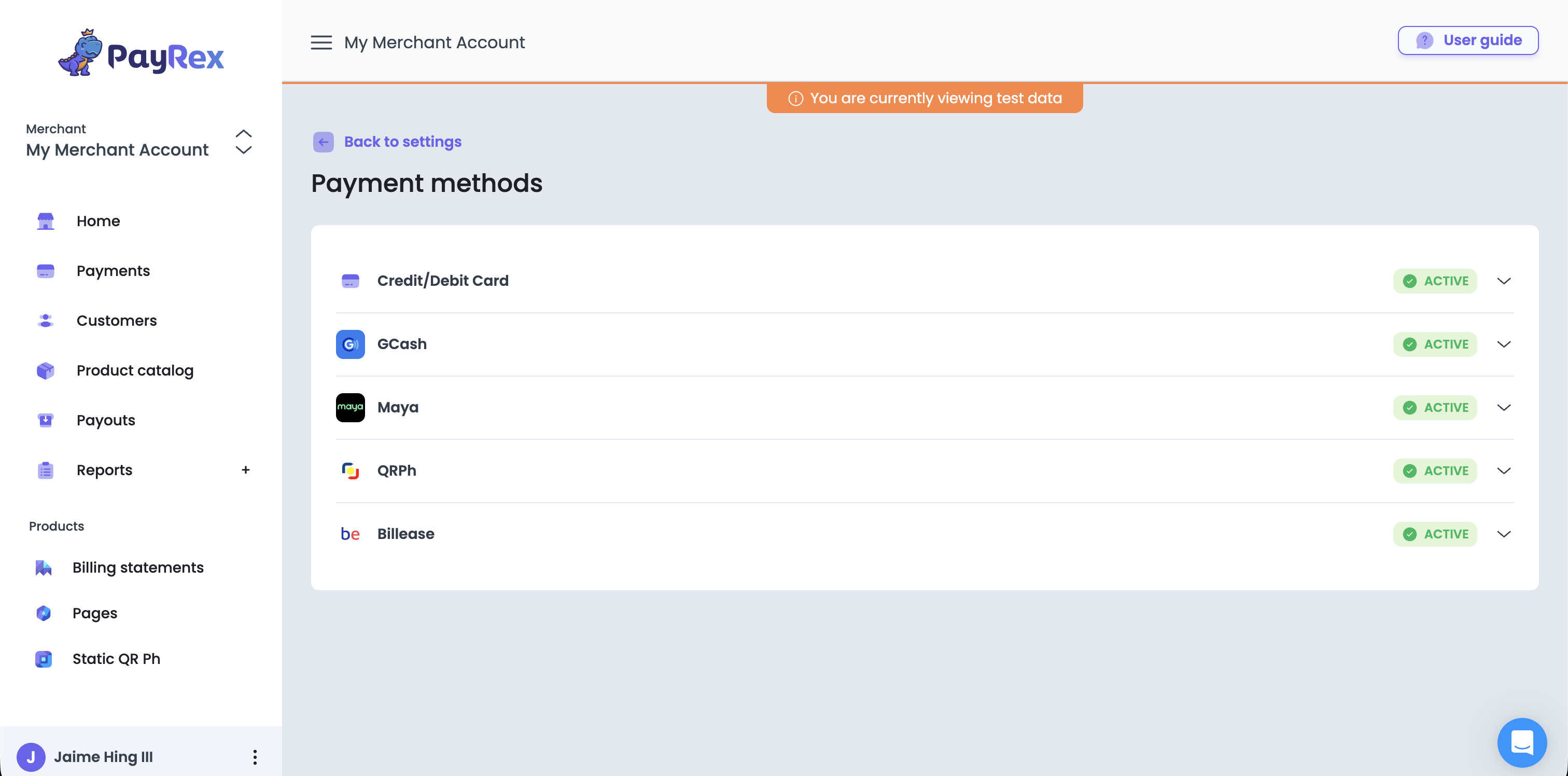
Default payment methods are the fallback payment methods if you did not specify a list of payment methods in your integration. For no-code solutions such as Billing Statements and Pages, the enabled default payment methods are the only allowed payment methods you can set.
Live vs test default payment methods
There are different sets of default payment method for live and test mode. The test mode default payment methods will reflect only for the test payments while the live mode default payment methods will reflect only for the live or real transactions.
Test mode default payment methods
For test mode default payment methods, you can enable or disable the payment methods easily without completing your account activation.
Live mode default payment methods
For live mode default payment methods, your PayRex merchant account must be activated first. Once your payrex merchant account is activated and you want to utilize default payment methods, you can enable default payment methods from the Dashboard. If you see an additional action required after enabling a payment method, you must contact support via chat or support@payrex.com. They might ask you for more supporting documents to enable a particular payment method.