Bank Reconciliation
You can reconcile the money settled to your nominated bank account and your PayRex merchant account's transactions by checking the Payouts listing or through Payout details.
List of Payouts
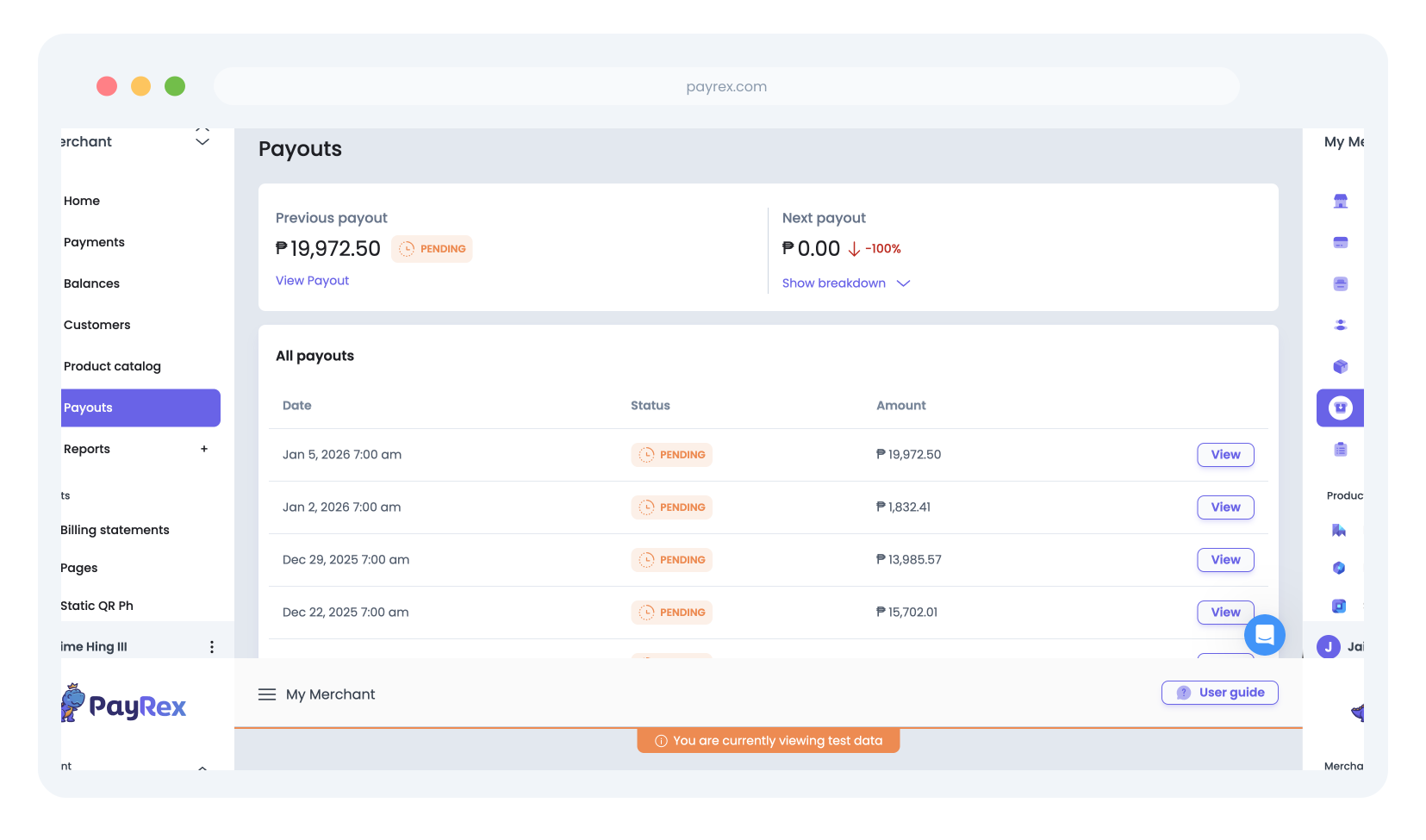
If you access the Payouts module in your PayRex Dashboard, you should see the list of payouts created in your PayRex merchant account. Every payout represents a deposited cash to your nominated bank account.
To learn more about payouts, you can refer to this guide.
To learn more about the payouts module in the PayRex dashboard, you can refer to this guide.
Payout Details
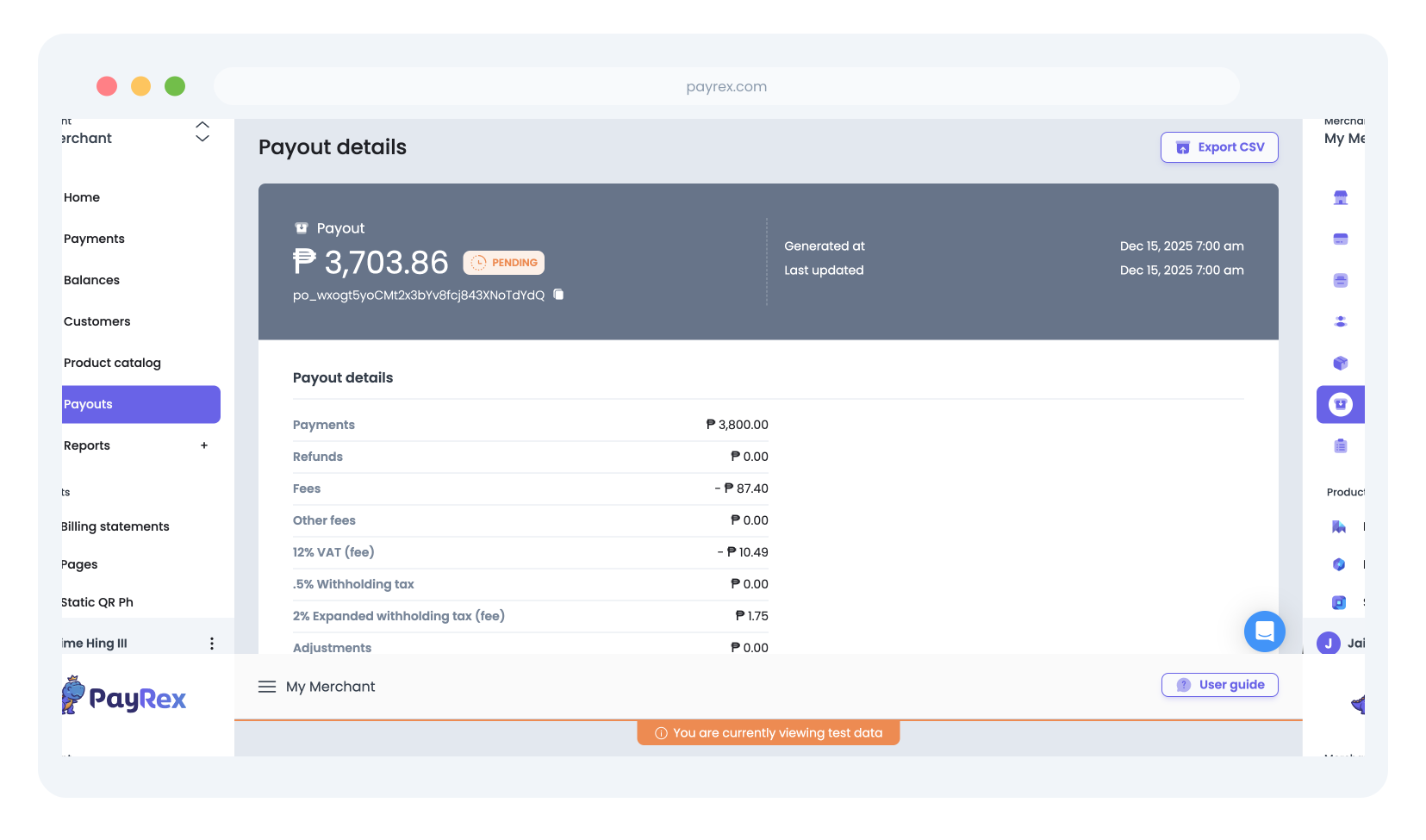
While you can view the list of payments and its refunds through the payments module of the PayRex Dashboard, it is more efficient to reconcile the transactions for every payout through the payout details module. View a particular payout from the payouts listing and you can reconcile the transactions